Sheet E-02 · PC Tools
Snip Saver
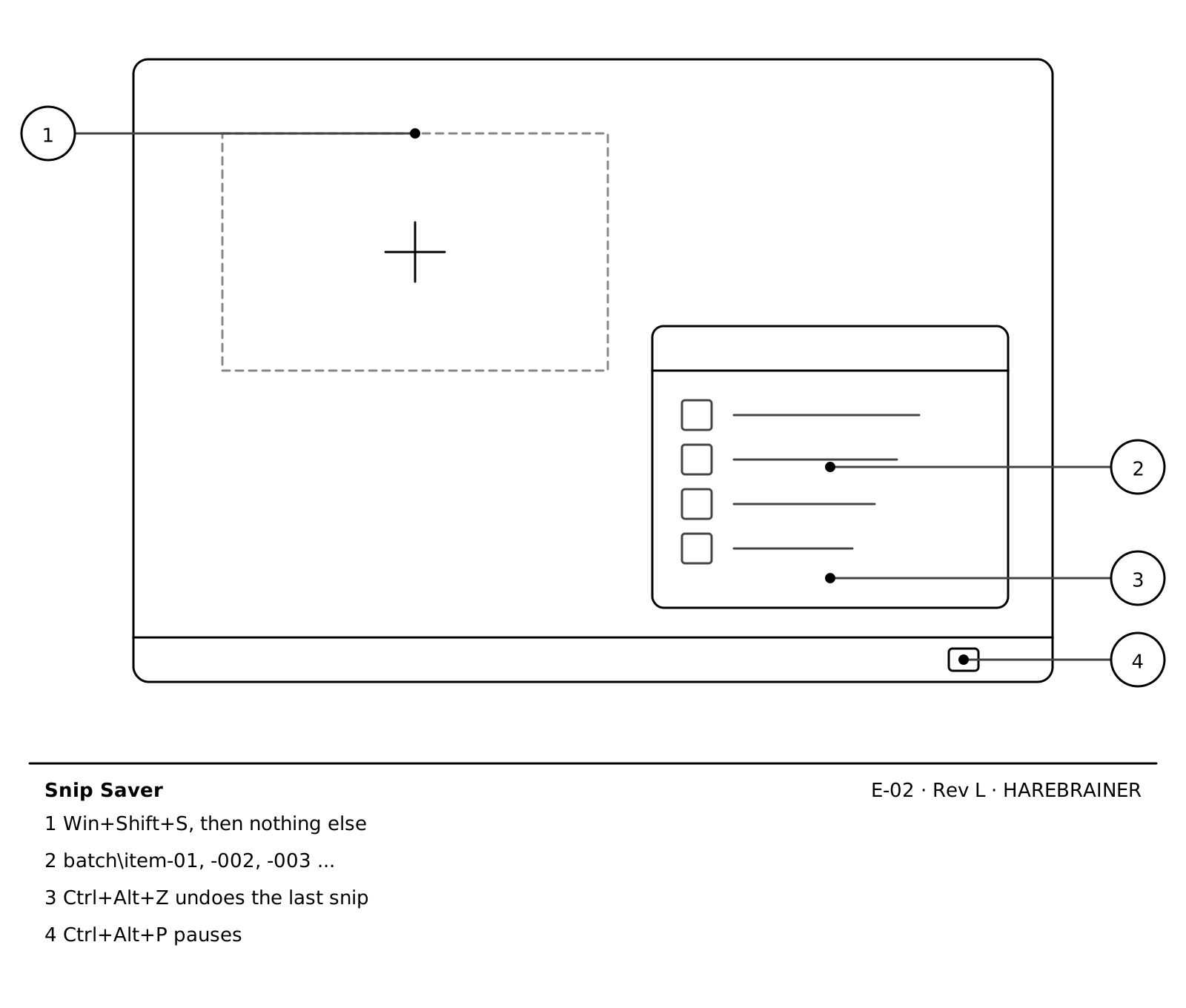
Every Win+Shift+S snip saves itself as a numbered PNG in the folder you picked. No Save dialog, ever.
- Status
- In use
- Made
- Tray app · Batch and item folders · Global hotkeys with undo
- Date
- 2026
Drawing notes · 04
- 1Win+Shift+S, then nothing else
- 2batch\item-01, -002, -003 ...
- 3Ctrl+Alt+Z undoes the last snip
- 4Ctrl+Alt+P pauses